



Travel rarely creates chaos. It exposes the systems you never finished.
A boarding pass lives in one inbox. The hotel confirmation is buried in another. A passport photo is somewhere in your camera roll, and the emergency contact list has not been updated since the last trip. None of this feels urgent until you are standing at a counter, your battery is low, and everyone is waiting on you.
Digital travel prep solves that problem before departure. A well-built digital go-bag gives you one secure, organized place for the documents and details that keep a trip moving.
Estimated reading time: 6 minutes
WHAT IS A DIGITAL TRAVEL GO-BAG?
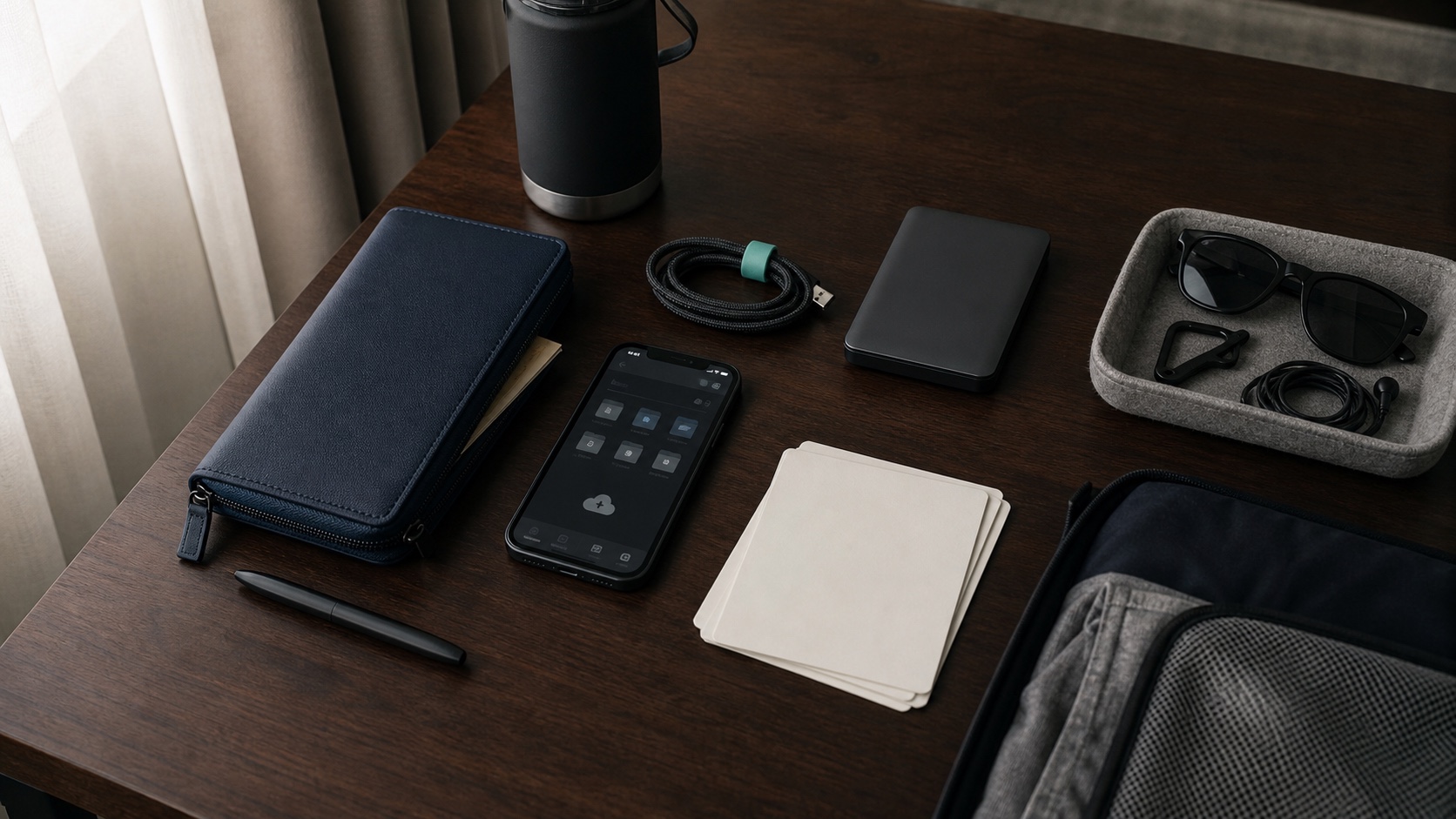
A digital travel go-bag is a protected folder system for the information you may need while away from home. It does not replace physical passports, licenses, or original documents. It gives you a reliable backup and a faster way to find the right information under pressure.
The goal is not to save everything. The goal is to save the right things, name them clearly, protect them properly, and confirm that you can reach them when your normal routine is gone.
1. BUILD ONE SECURE TRAVEL FOLDER
Create one primary travel folder inside a reputable, password-protected storage service. Turn on multi-factor authentication and use a unique password. Avoid sending sensitive documents to yourself through ordinary email or leaving them loose in your photo library.
Your folder may include:
- Secure copies of passports and government-issued identification
- Travel insurance and health insurance information
- Flight, hotel, rental car, and transfer confirmations
- Medication details and essential medical information
- Emergency contacts and relevant embassy or consulate information
- Visas, entry documents, and destination-specific requirements
Only store what you genuinely need. Sensitive files deserve deliberate access controls, not a folder link shared with everyone on the trip.
“Leave emergency contact information, a copy of your itinerary, and a copy of your passport with family or trusted friends.”
2. NAME FILES SO YOU CAN FIND THEM UNDER PRESSURE
A secure folder is not useful if every file is called IMG_4821 or document-final-final. Use a repeatable naming system that works at a glance.
Try this structure:
- Traveler – Document – Expiration
- Trip – Reservation – Date
- Traveler – Medical – Updated Date
For example, a hotel confirmation could be named Paris – Hotel – 2026-07-18. Clear names reduce searching, prevent duplicate uploads, and make it easier for a trusted person to help if needed.
3. SEPARATE DOCUMENTS BY TRAVELER
Traveling as a family? Create one subfolder for each person. Keep identification, insurance, medication information, emergency contacts, and required permissions together. Then create a shared trip folder for reservations and schedules that apply to everyone.
This separation prevents one oversized folder from becoming a digital junk drawer. It also makes updates easier: when one passport changes, you know exactly where the replacement belongs.
4. MAKE ACCESS RESILIENT
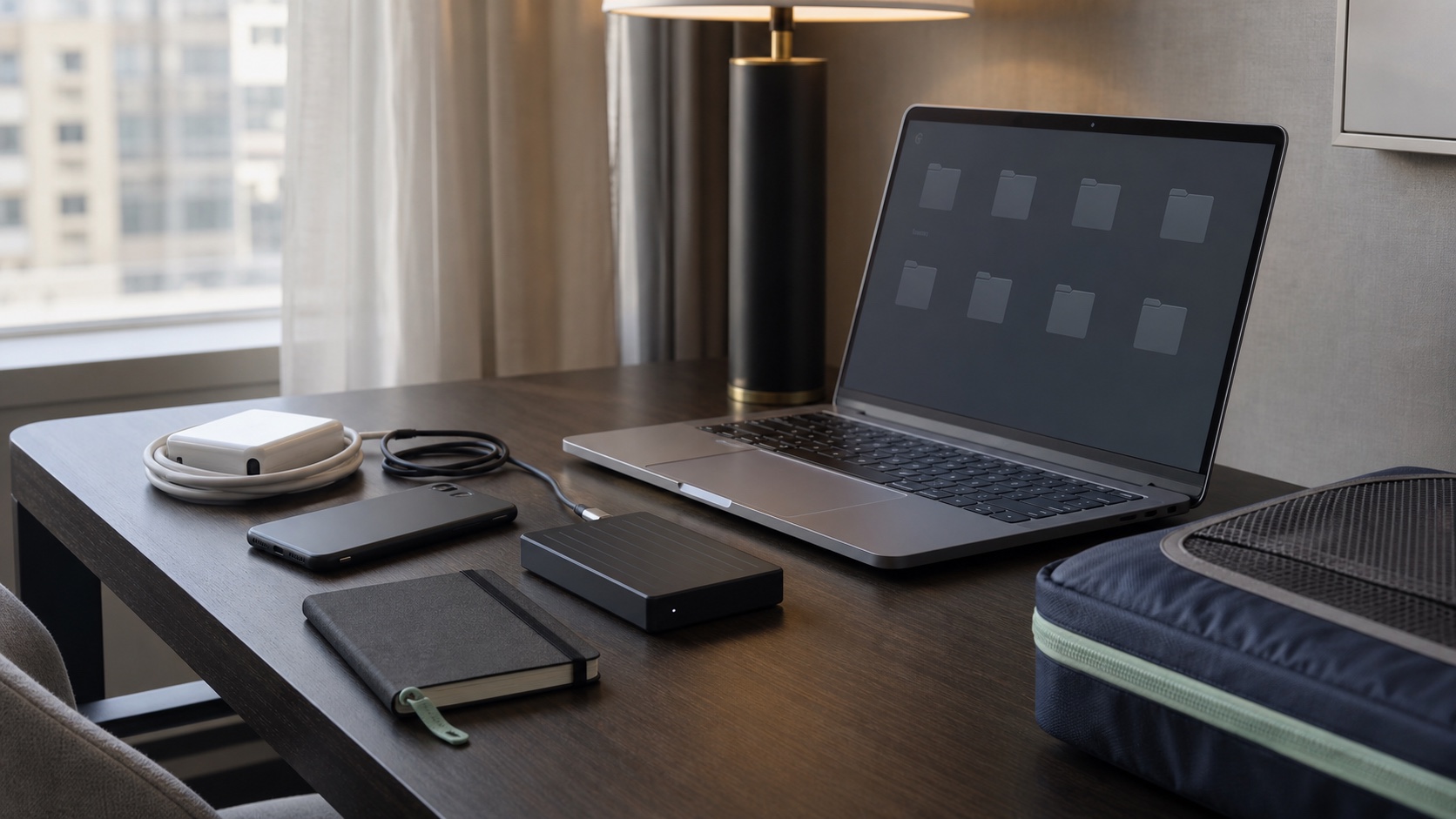
A folder you cannot open without perfect Wi-Fi is not a travel system. Before leaving, confirm access from the devices you will actually carry. Where appropriate, make select non-sensitive itineraries available offline. Keep devices protected with strong passcodes, automatic locking, and remote-locate or remote-wipe features.
If a trusted partner or family member may need access, decide that before the trip. Use the provider’s secure sharing controls instead of texting passwords or document images.
The federal CISA Secure Our World guidance recommends strong passwords, a password manager, multifactor authentication, and current software. Those protections should be in place before the travel folder leaves your home network.
For a larger file-and-device reset, explore O.C.D. Experience’s digital organizing services. The right structure should make important information easier to use without making it easier for the wrong person to reach.
5. RUN THE 10-MINUTE DEPARTURE TEST
Two days before travel, stop organizing and test the system.
- Open the folder from your travel phone and laptop.
- Confirm multi-factor authentication works away from your home network.
- Check that every traveler’s documents are current.
- Verify emergency contacts and medication details.
- Download the itinerary information you may need without service.
- Charge devices and place cables, adapters, and backup power together.
If you cannot find something in ten seconds, rename or relocate it. Departure day is not the time to remember your filing logic.
THE O.C.D. RULE: If you cannot retrieve a travel document in ten seconds, the system is not finished.
THE PHYSICAL HALF OF THE GO-BAG
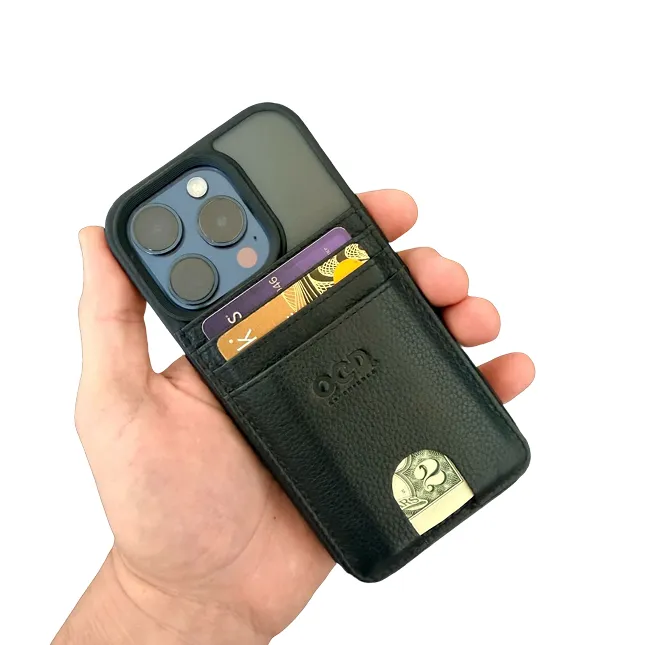
Digital copies support the trip, but they do not replace the physical ID, payment cards, key card, or emergency cash you may need in your hand. Apply the same discipline to what you carry: edit it down, give every essential a defined place, and leave the overflow at home.
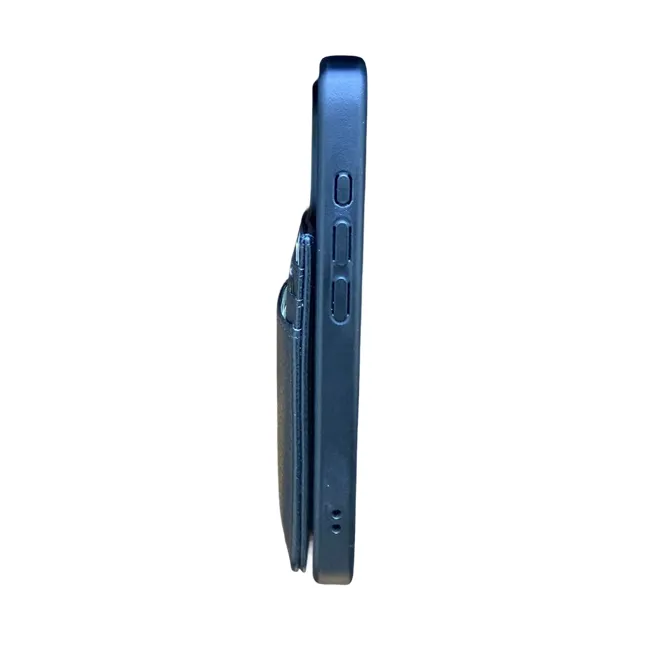
The O.C.D. Wallet system was created around that idea. For phone-first travel, the premium O.C.D. MagSafe Wallet keeps your most important cards and folded cash connected to a MagSafe-enabled phone in one streamlined carry.
WHY DIGITAL TRAVEL PREP REDUCES STRESS
Good organization removes decisions from high-pressure moments. You do not have to remember where the insurance card is, which inbox received the reservation, or whether your partner has the latest itinerary. The system already knows.
The same discipline can extend beyond one trip. A thoughtful digital inventory gives you a consistent place to track what you own and where important items live. See how the O.C.D. App supports organized inventory thinking, or revisit our guide to building a travel self-care system that holds under pressure.
BUILD THE SYSTEM BEFORE YOU NEED IT
Your vacation should not begin with a search bar. O.C.D. Experience can help you create a digital organization system for travel documents, family files, household records, and the information that needs to move with you.
Request digital organizing support from O.C.D. Experience.
AUTHORITATIVE TRAVEL RESOURCES
- Review the U.S. Department of State travel-safety checklist
- Review CISA’s account and device security guidance
Security needs vary by device, service, and destination. Review the protections offered by your chosen tools and do not treat digital copies as replacements for required original documents.