

Organize & Create Discipline
Storage Unit Organization
A storage unit should be accessible, cataloged, and useful, not a place where belongings disappear.
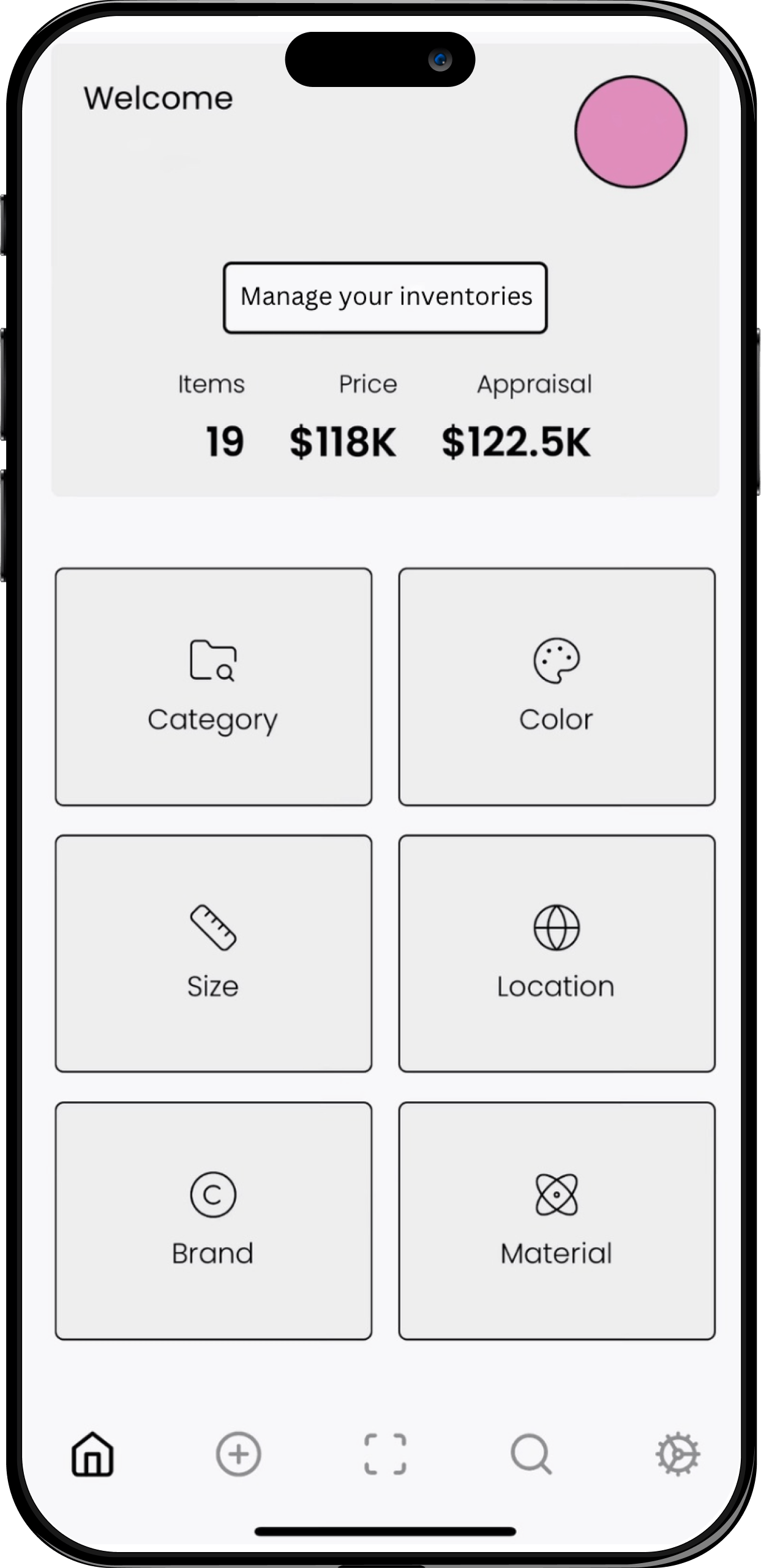
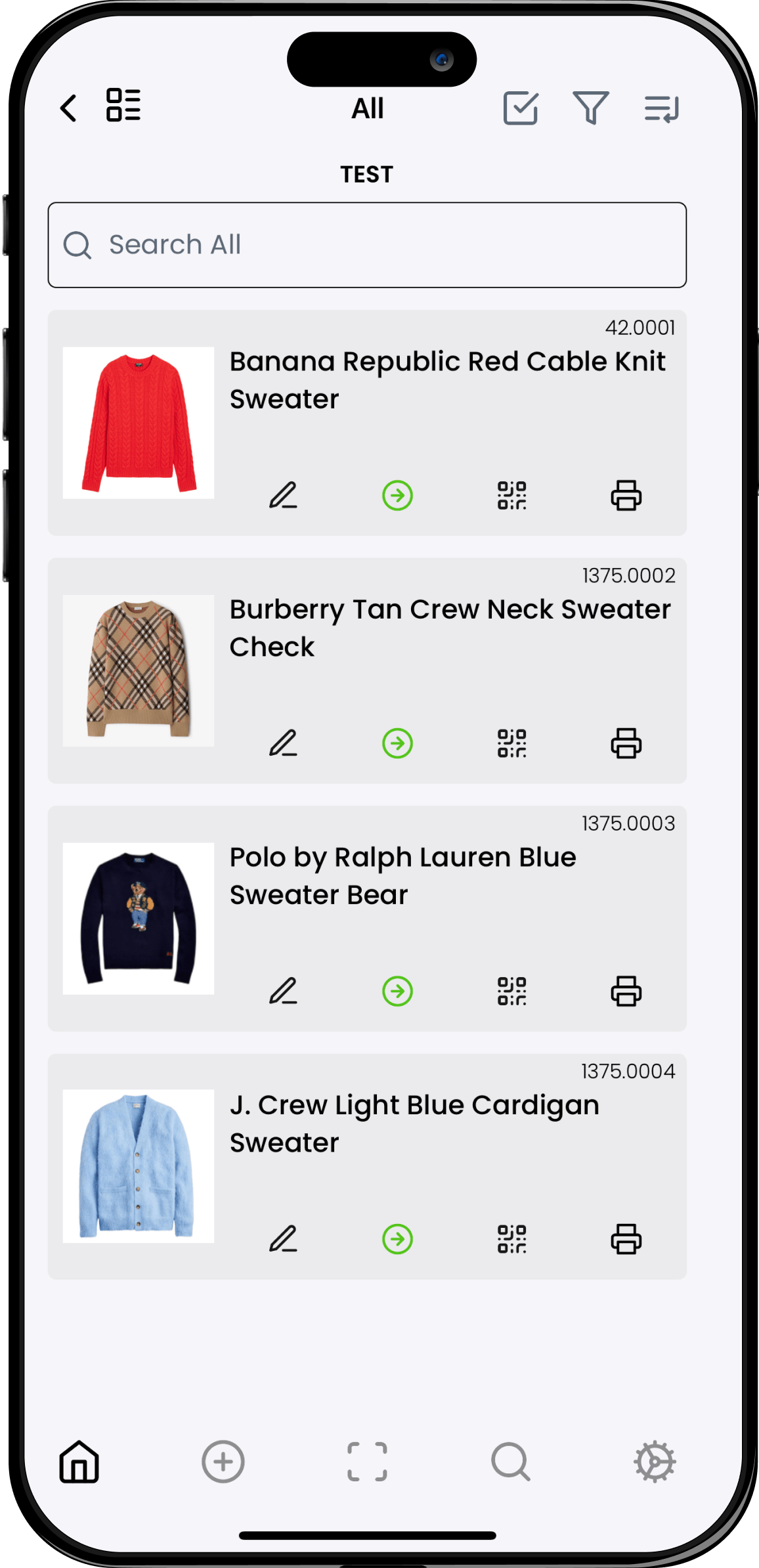
O.C.D. Experience connects storage organization to Moving & Storage, Physical O.C.D., and the O.C.D. App inventory mindset. Storage can be sorted, labeled, photographed, mapped, reduced, and organized so clients know what they have and can find it again.
What gets organized
Storage unit organization can help with
The work is organized around the categories, access points, and maintenance rules that make a space easier to use after the reset. Each focus area becomes part of a larger system for finding, storing, moving, and maintaining what matters.
- Focus 01 Sorting boxes, furniture, decor, wardrobe, archives, memorabilia, and household overflow. Creates clear zones, categories, and placement logic for this part of the project.
- Focus 02 Creating clear access paths, labels, maps, and category zones. Reduces daily friction by making the most-used items easier to find and return.
- Focus 03 Photographing and cataloging belongings when inventory is useful. Connects overflow, storage, inventory, or digital records when the project needs it.
- Focus 04 Preparing items for moving, donation, removal, insurance, or long-term storage. Documents the logic so family, assistants, movers, or household teams can maintain it.
How the system is built
The O.C.D. Process
The process turns a project from a one-time cleanup into a system. Every engagement moves through assessment, simplification, system design, and handoff so the client can keep using the structure long after the session is complete.
- Assess Assess the unit, access limits, safety needs, storage costs, and decision goals. Clarifies what is working, what is breaking down, and how the space or system needs to function.
- Simplify Simplify by identifying what should leave storage, stay accessible, or be relocated. Removes excess decisions so the remaining categories have room, purpose, and priority.
- Systemize Systemize the unit with zones, labels, photo records, and inventory logic. Builds the actual structure: homes, labels, workflows, inventory logic, and access rules.
- Sustain Sustain the system with a map or catalog so the unit stays manageable over time. Creates the handoff: simple instructions, repeatable habits, and a maintenance rhythm.
The moving page highlights clear inventory at your fingertips. That same thinking makes storage units easier to audit, move, insure, and reduce.
Start Your O.C.D. Journey
For storage units, moving storage, and inventory-minded organization, start with Moving & Storage or contact O.C.D. Experience.