
Files
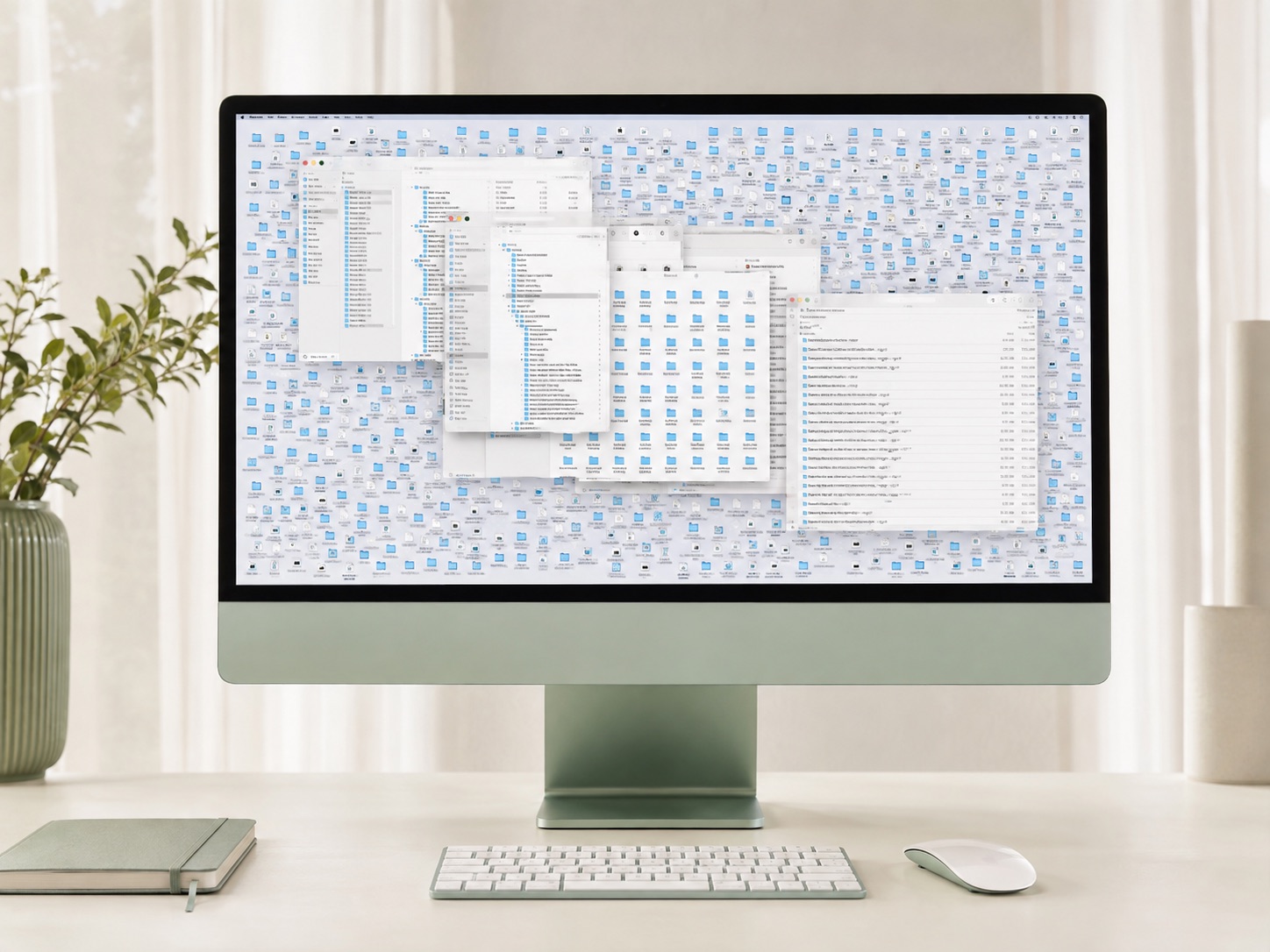
Create clear folders and naming rules for one part of your digital life.


PRIVATE ONE-ON-ONE / 60 MINUTES
Choose one starting point, not the whole list. These are examples of session scope, not promised results or customer reviews.
No Audit required. Start with a priority you already know, or use your Audit roadmap. One session is one focused hour, not a full-device cleanup, migration, or complete digital overhaul. Any additional sessions are arranged and purchased separately.
You stay in control. You choose what to share, open, and close, and your cursor stays yours. We guide you step by step; we never access your computer remotely or take control of it.
After checkout, open your private workspace and suggest three start times in your time zone. O.C.D. confirms one available time by email and Google Calendar invitation. Your Google Meet link comes with the confirmation.
Reservation and rescheduling policyWHAT YOU ARE BOOKING
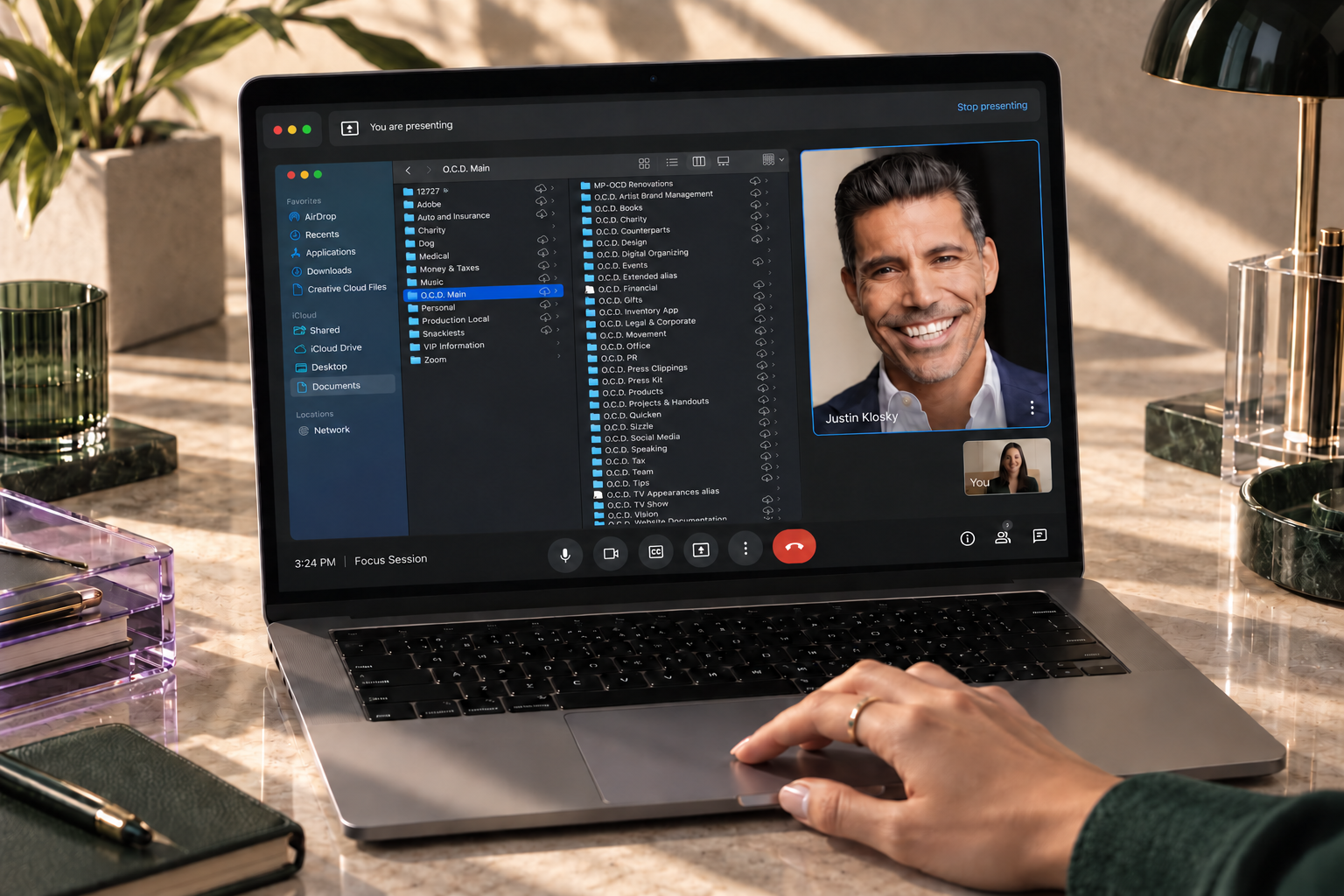
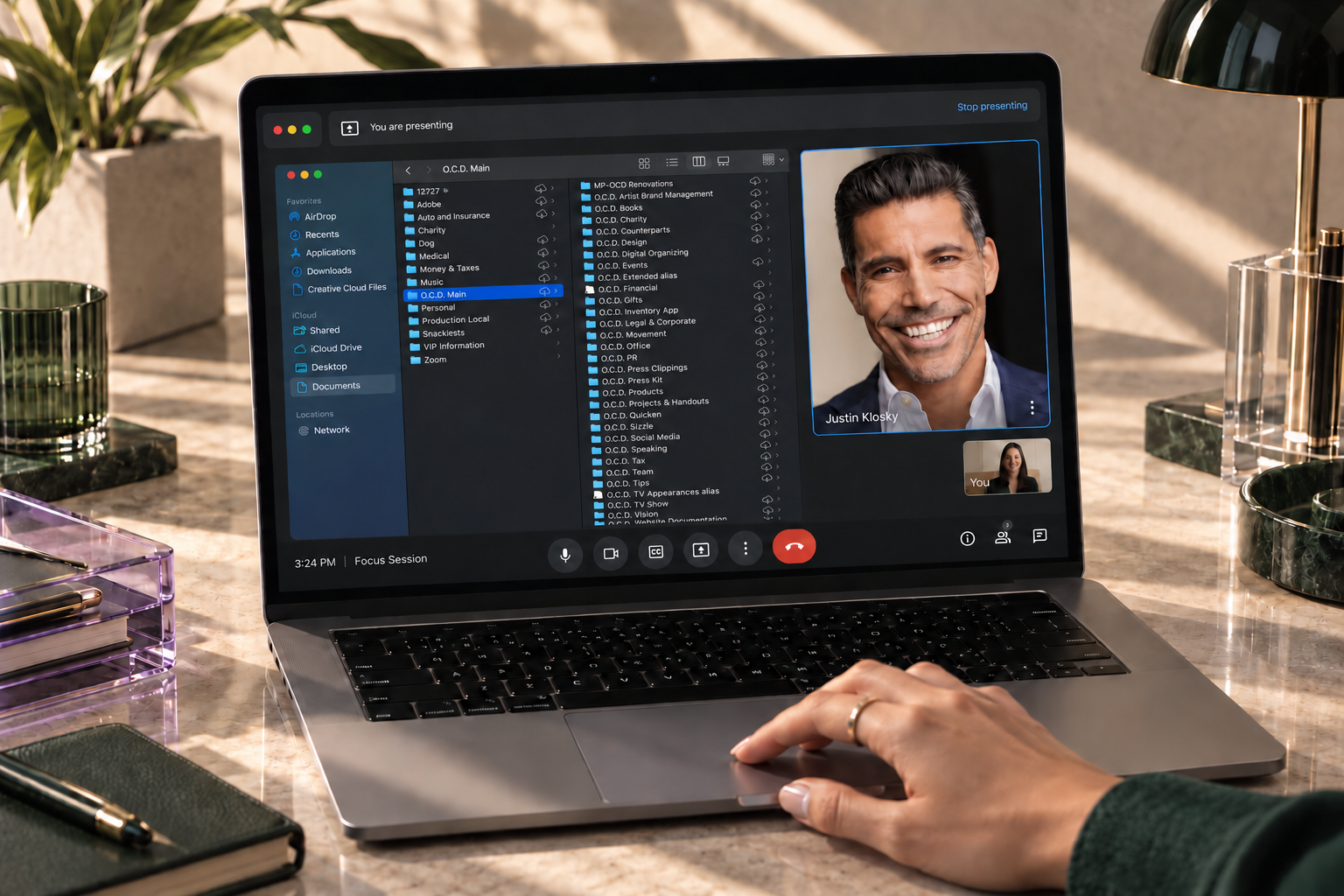
A private, 60-minute Google Meet with Justin Klosky or an O.C.D. Team Member. Bring the digital organizing problem you want help with. Share the relevant part of your screen, and we guide you step by step as you make changes in your own files, inbox, calendar, or photo library.
YOUR NEXT DIGITAL STEP
One session can focus on choosing current, trusted documents for a specific AI-assisted task, organizing a manageable source folder, and deciding what must stay private. Use the work you started in your Reset or a step from your Audit roadmap.
You approve what is opened, changed, or shared. This is focused preparation and guidance, not a guaranteed working agent, a full AI-system build, or ongoing support.
START WITH ONE AREA
Choose one priority for your session. We work within the time together, keep the decisions practical, and identify what comes next.
Create clear folders and naming rules for one part of your digital life.
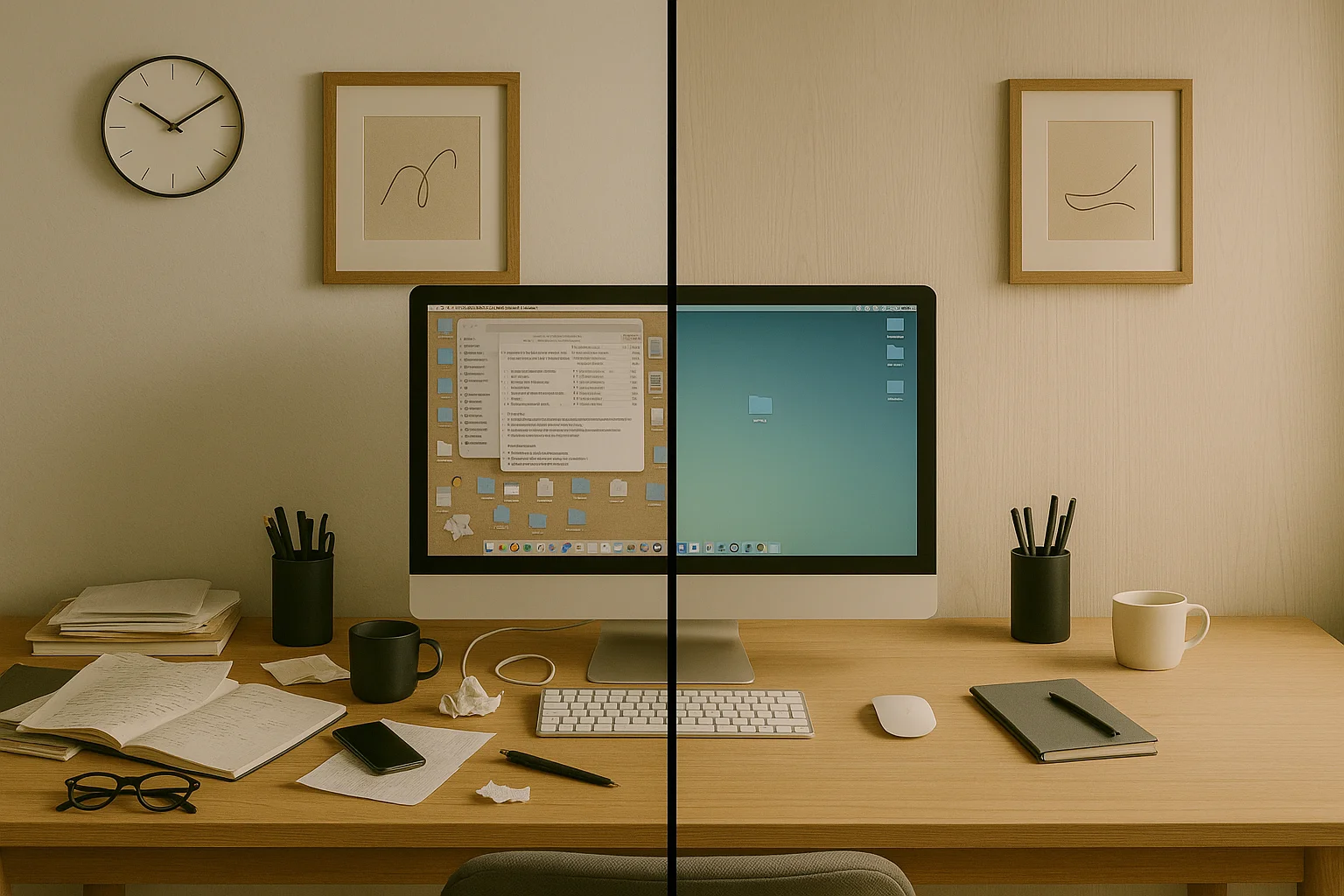
Clear the two intake zones and build a simple routine for what arrives next.
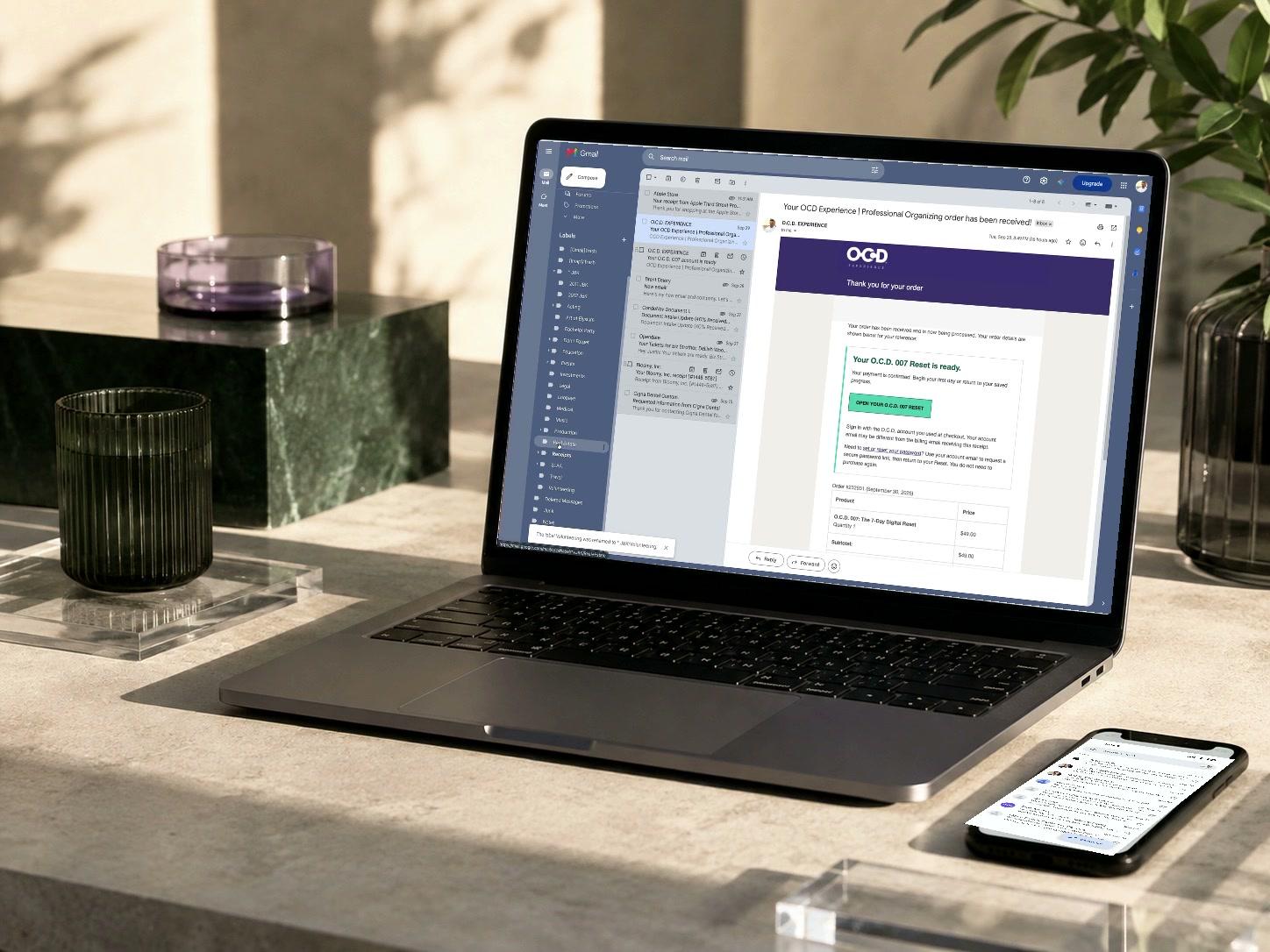
Separate action from reference and set up useful project labels or folders.
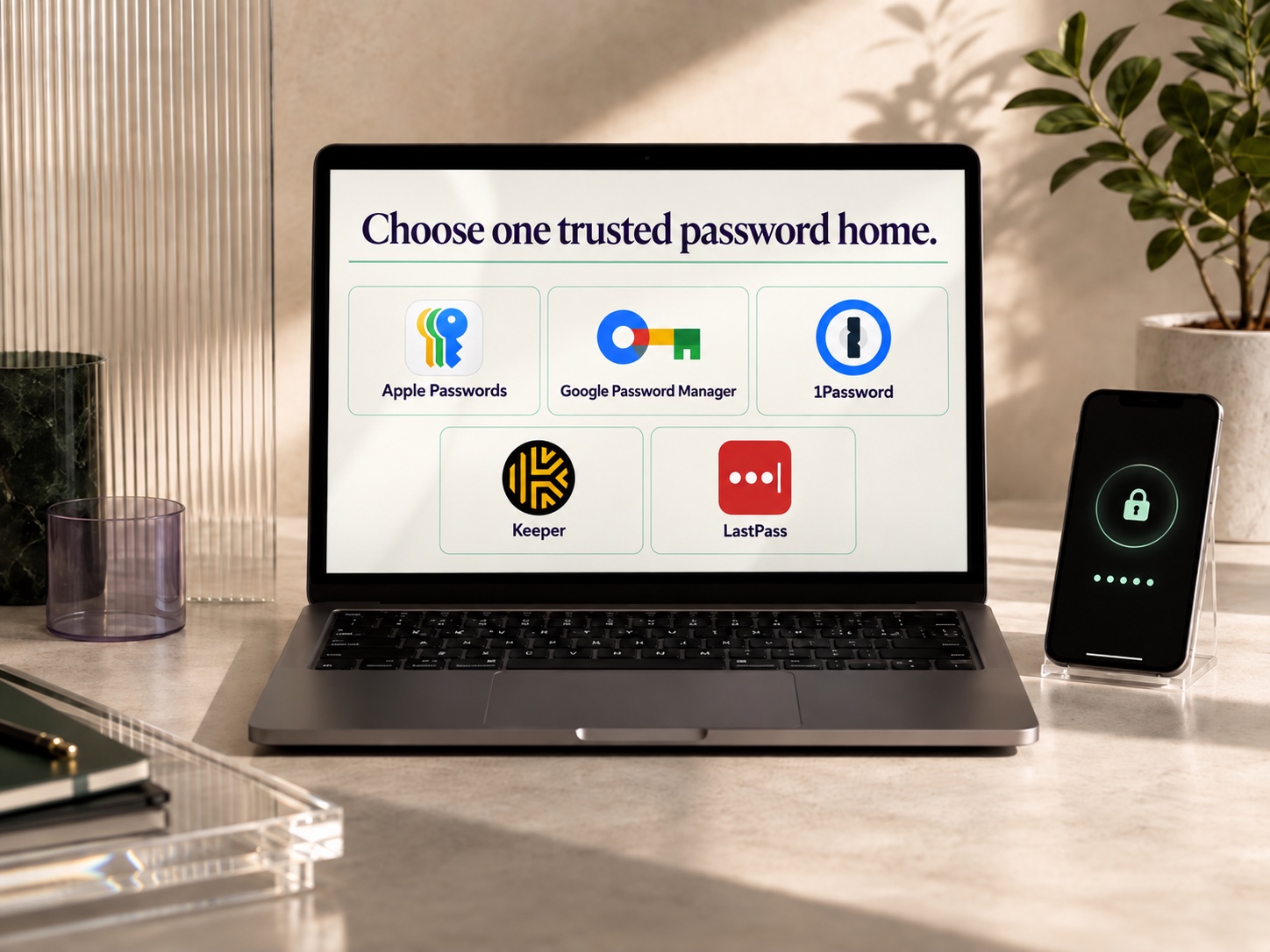
Choose a trusted password home and review access and recovery routines.
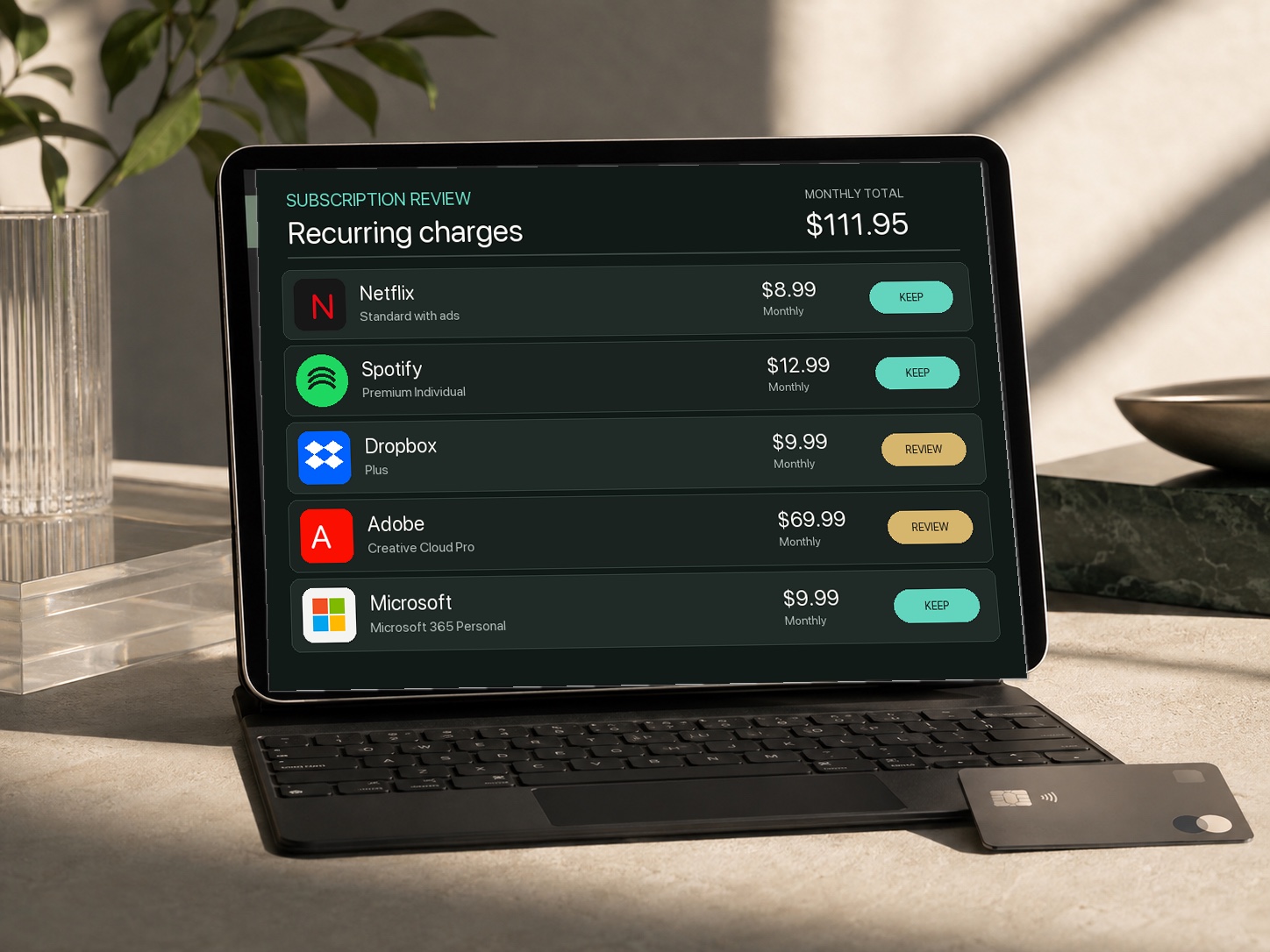
Review renewals, recurring charges, and the services that still earn their place.
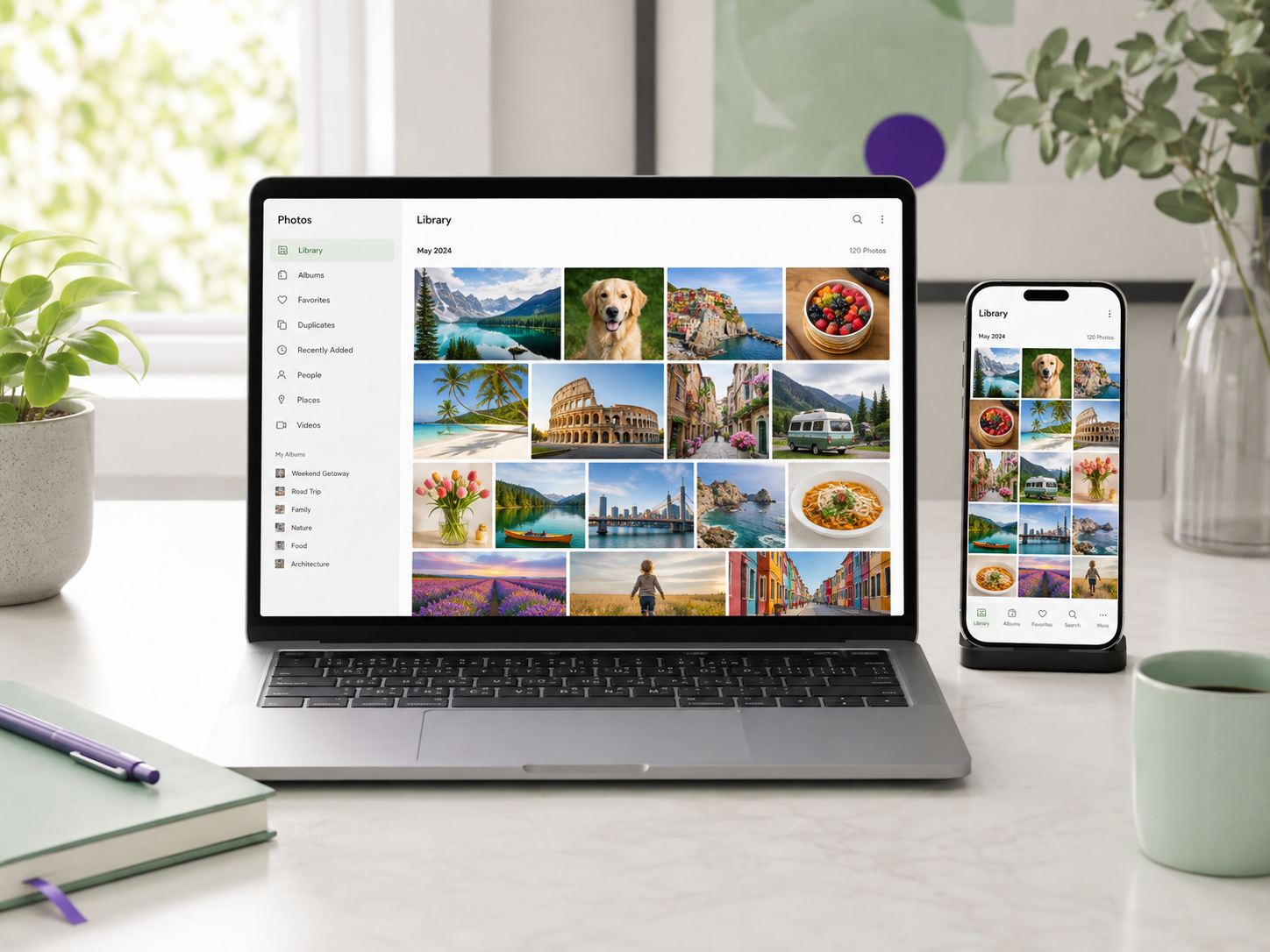
Work on albums, duplicates, or one manageable part of your library.
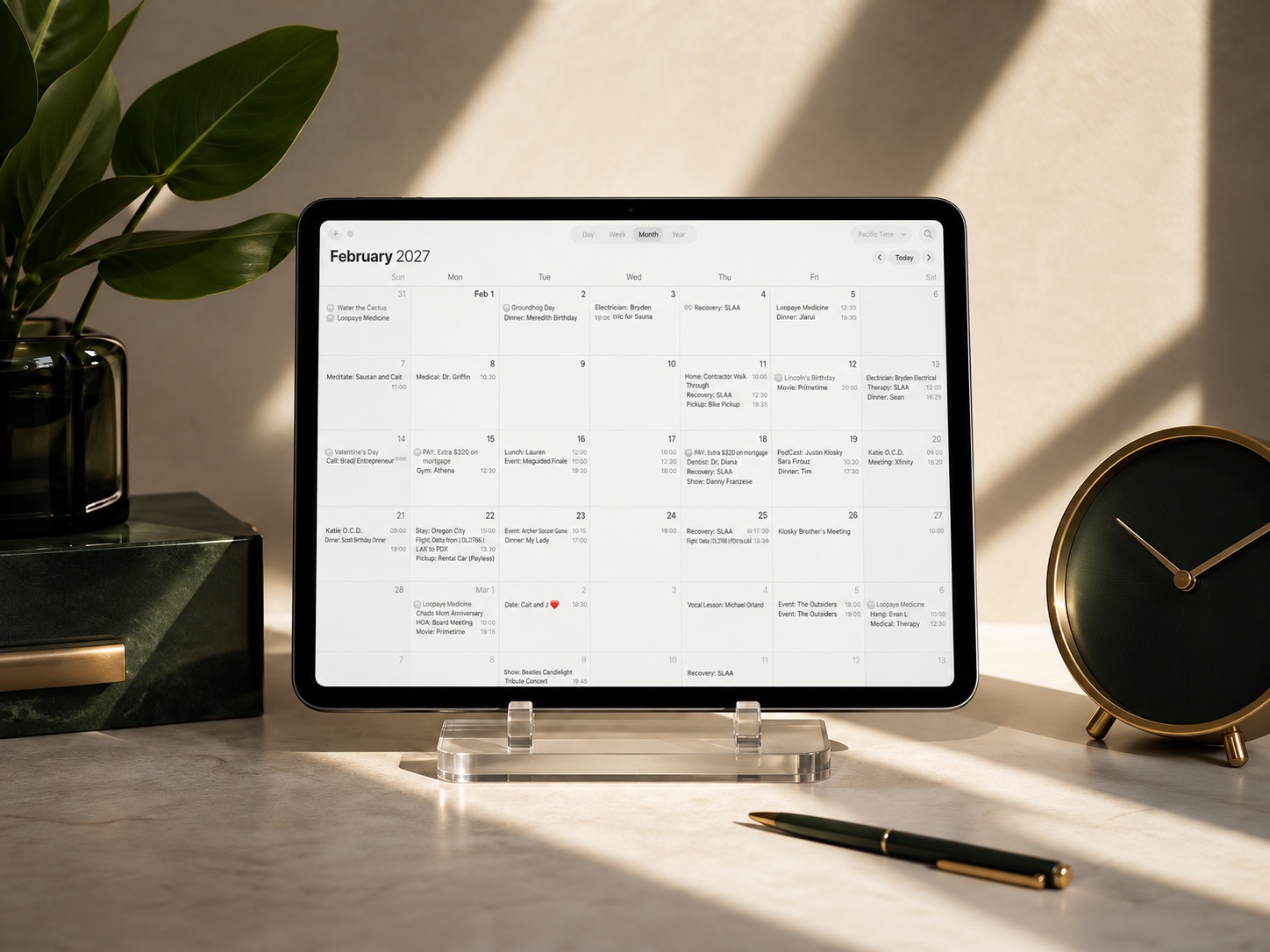
Clarify commitments, shared details, and a calendar routine you can maintain.
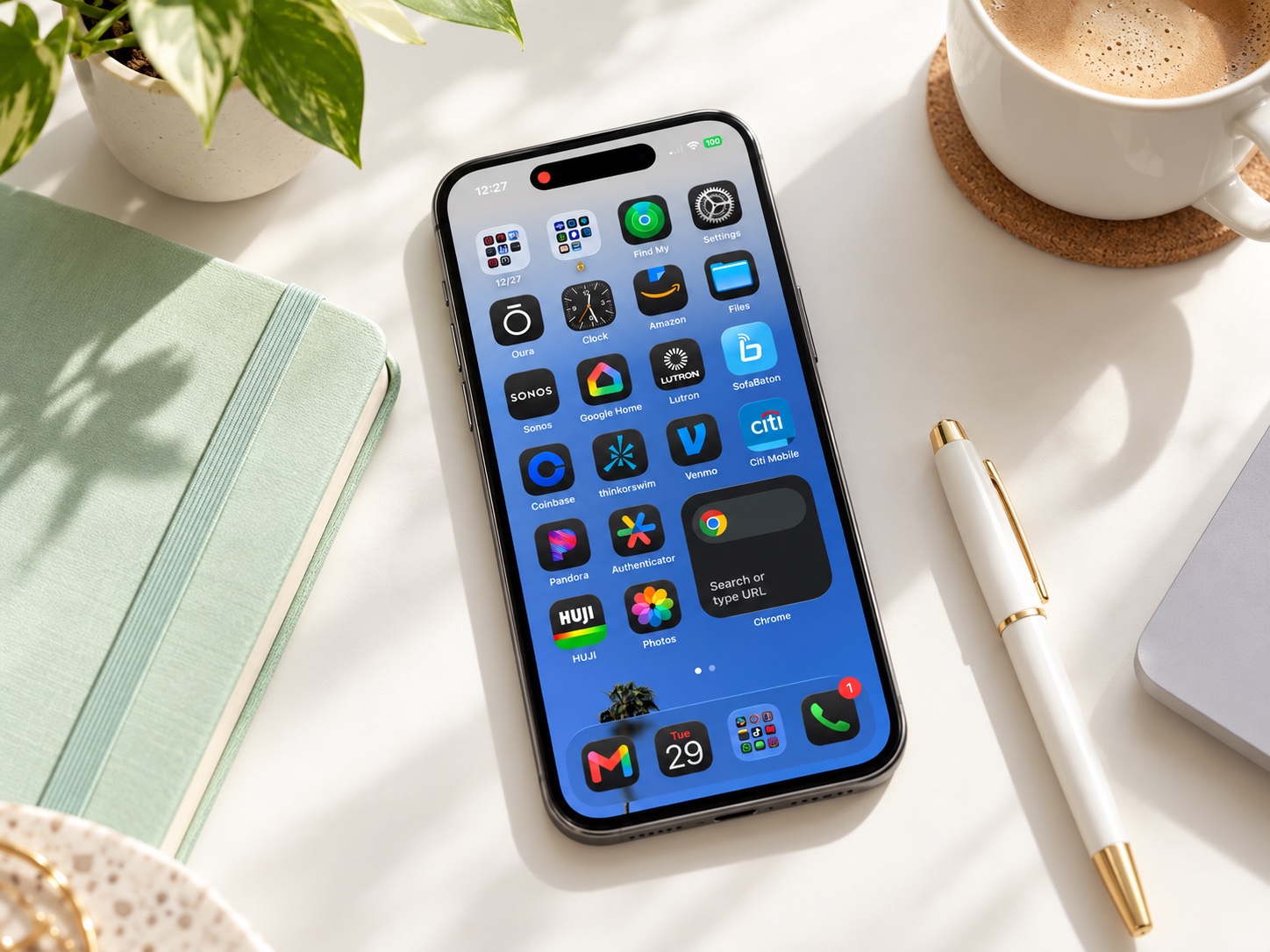
Keep the apps you use and review the rest, with attention to their data and subscriptions.

Connect small paper stacks to a practical system for scanning, naming, filing, and keeping originals.
Keep the organizing changes you made during the session in your own tools. Your organizer adds a written recap to your private account: what you worked on, the decisions you made, and your next steps. This is a focused session recap, not the Audit\'s Digital X-Ray or Architecture Roadmap.
Device synchronization, complex migrations, and changes that span several systems may need a longer engagement. Start with the Digital Infrastructure Audit when the scope is not yet clear. Arrange additional 60-minute follow-ups with O.C.D. when more work is needed. Packages can be discussed for a longer project.
Choose your organizer and check out. Sign in or create your private account.
Suggest three start times in your time zone from Digital Organizing Sessions in your account.
O.C.D. confirms one time by email and Calendar invitation. Join your private 60-minute Google Meet session.
Return to your workspace for the decisions, recap, and next move.
Your Digital Organizing session
After purchase, use the Request your session button on the next page to suggest three preferred start times in your Digital Organizing workspace. These are preferences, not reservations. O.C.D. confirms one available time by email and Google Calendar invitation.
Payment covers one private 60-minute initial Focus Session for hands-on work from your Audit roadmap or a clearly defined priority. You may reschedule once, with at least 24 hours notice. Cancelling and booking a new time counts as that reschedule.
Cancellation or a rescheduling request less than 24 hours before your appointment, or not attending your session, forfeits the session unless O.C.D. confirms an exception by email. Contact O.C.D. if exceptional circumstances arise.
If you arrive late, your session still ends at its original scheduled time. A change initiated by O.C.D. does not use your reschedule opportunity.
After your session, a concise recap of what was handled, decisions made, and your next move is recorded in your workspace. A Focus Session does not include a complete ecosystem audit, migration, or Architecture Roadmap. These terms do not limit rights that cannot be excluded by law.
Any 60-minute follow-up sessions are arranged separately with O.C.D. and are not included in this initial session purchase.
Keep passwords, account numbers, private files, and confirmation codes out of scheduling requests and portal takeaways.
Your Digital Organizing session
After purchase, use the Request your session button on the next page to suggest three preferred start times in your Digital Organizing workspace. These are preferences, not reservations. O.C.D. confirms one available time by email and Google Calendar invitation.
Payment covers one private 60-minute initial Focus Session for hands-on work from your Audit roadmap or a clearly defined priority. You may reschedule once, with at least 24 hours notice. Cancelling and booking a new time counts as that reschedule.
Cancellation or a rescheduling request less than 24 hours before your appointment, or not attending your session, forfeits the session unless O.C.D. confirms an exception by email. Contact O.C.D. if exceptional circumstances arise.
If you arrive late, your session still ends at its original scheduled time. A change initiated by O.C.D. does not use your reschedule opportunity.
After your session, a concise recap of what was handled, decisions made, and your next move is recorded in your workspace. A Focus Session does not include a complete ecosystem audit, migration, or Architecture Roadmap. These terms do not limit rights that cannot be excluded by law.
Any 60-minute follow-up sessions are arranged separately with O.C.D. and are not included in this initial session purchase.
Keep passwords, account numbers, private files, and confirmation codes out of scheduling requests and portal takeaways.
Choose your organizer and check out. Sign in or create your private account.
Suggest three start times in your time zone from Digital Organizing Sessions in your account.
O.C.D. confirms one time by email and Calendar invitation. Join your private 60-minute Google Meet session.
Return to your workspace for the decisions, recap, and next move.
Your Digital Organizing session
After purchase, use the Request your session button on the next page to suggest three preferred start times in your Digital Organizing workspace. These are preferences, not reservations. O.C.D. confirms one available time by email and Google Calendar invitation.
Payment covers one private 60-minute initial Focus Session for hands-on work from your Audit roadmap or a clearly defined priority. You may reschedule once, with at least 24 hours notice. Cancelling and booking a new time counts as that reschedule.
Cancellation or a rescheduling request less than 24 hours before your appointment, or not attending your session, forfeits the session unless O.C.D. confirms an exception by email. Contact O.C.D. if exceptional circumstances arise.
If you arrive late, your session still ends at its original scheduled time. A change initiated by O.C.D. does not use your reschedule opportunity.
After your session, a concise recap of what was handled, decisions made, and your next move is recorded in your workspace. A Focus Session does not include a complete ecosystem audit, migration, or Architecture Roadmap. These terms do not limit rights that cannot be excluded by law.
Any 60-minute follow-up sessions are arranged separately with O.C.D. and are not included in this initial session purchase.
Keep passwords, account numbers, private files, and confirmation codes out of scheduling requests and portal takeaways.
Your Digital Organizing session
After purchase, use the Request your session button on the next page to suggest three preferred start times in your Digital Organizing workspace. These are preferences, not reservations. O.C.D. confirms one available time by email and Google Calendar invitation.
Payment covers one private 60-minute initial Focus Session for hands-on work from your Audit roadmap or a clearly defined priority. You may reschedule once, with at least 24 hours notice. Cancelling and booking a new time counts as that reschedule.
Cancellation or a rescheduling request less than 24 hours before your appointment, or not attending your session, forfeits the session unless O.C.D. confirms an exception by email. Contact O.C.D. if exceptional circumstances arise.
If you arrive late, your session still ends at its original scheduled time. A change initiated by O.C.D. does not use your reschedule opportunity.
After your session, a concise recap of what was handled, decisions made, and your next move is recorded in your workspace. A Focus Session does not include a complete ecosystem audit, migration, or Architecture Roadmap. These terms do not limit rights that cannot be excluded by law.
Any 60-minute follow-up sessions are arranged separately with O.C.D. and are not included in this initial session purchase.
Keep passwords, account numbers, private files, and confirmation codes out of scheduling requests and portal takeaways.