

Practical guidance and links reviewed October 10, 2026. Original publication date retained.
It’s 2020, and we have more digital assets than ever before so naturally, we need to focus on our digital organization now more than ever. Here are some easy tips to get the ball rolling.
PHOTOS – Where are ALL of your photos going?

Are they backed up on a cloud somewhere? Saved onto your computer? Stored on your device? How often are you deleting photos from your devices? Are you renaming photo files and adding additional information to help with finding your photos for the future?
Schedule a time once a month to review your photos. First verify an independent backup; then review what you no longer need. Remember that deletion in a synced photo library can affect other devices. At O.C.D., we break this into smaller sessions so the task stays manageable.
Add information (META DATA) to each photo that will make it easier to find in the future. For example:
When the photo was taken?
Where the photo was taken?
Who is in the photo?
What is the subject of the photo?
MOST current phones will actually handle all of the above data for you, now it is up to you to use KEYWORDS to distinguish the holidays in 2019 from 2020.
What about physical photos? Scan them and then think about how you would like to name and categorize the newly scanned photos.
EMAIL – Tidy up your inbox
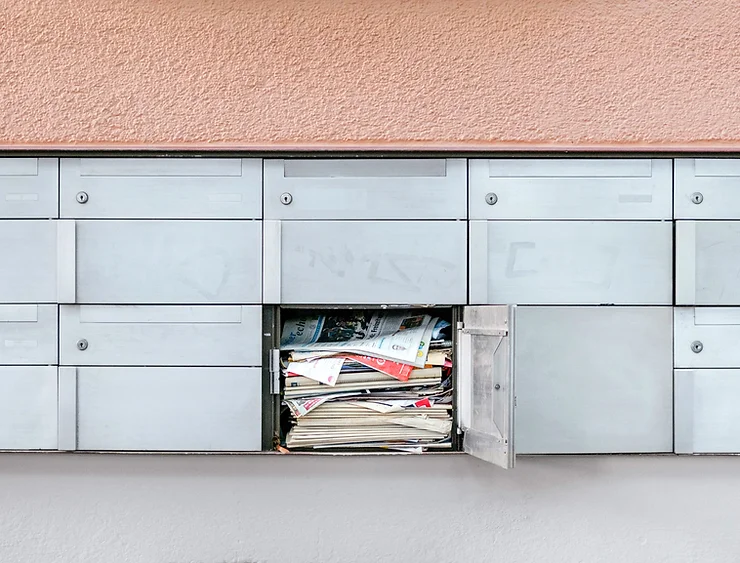
Treat your email inbox the same way you would treat mail in your mailbox.
Open the mail you receive, respond if you need to, file it or recycle/trash it. Just like you wouldn’t leave all your mail in your mailbox, emails shouldn’t LIVE in your inbox.
Review each email in your inbox and create labels/folders as you go. This will help you clear out your inbox and find emails later. If an email isn’t being deleted it should be labeled and archived. If you come across an email that doesn’t match any of your existing labels, make a new one! Here’s a few ideas to get the ball rolling
Events
Finances/Taxes
Personal
Receipts
Travel
DOCUMENTS — Scan, save, then review what to keep
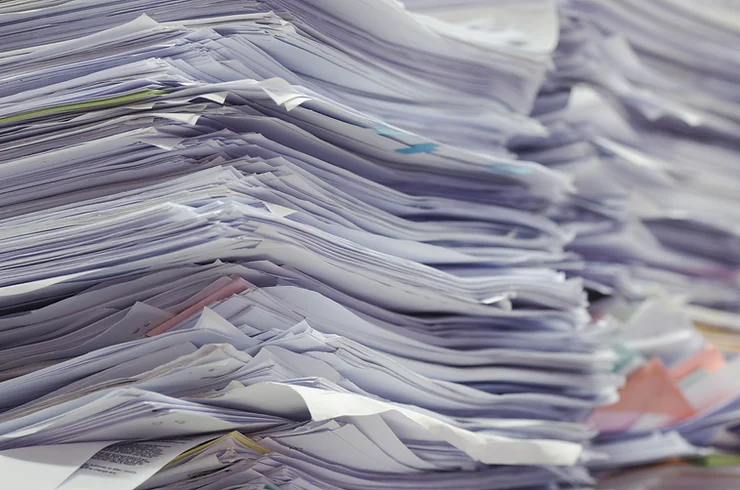
The world is becoming paperless and digital, but there are still times you receive an actual physical piece of paper that is important.
When that happens:
Scan it – Scan the paper document into your computer
Save it – Save and rename your new digital document into the appropriate folder
Review it — keep original documents that still have a legal, financial, historic, or personal purpose. Only shred paper you have checked and no longer need; scanning alone is not a reason to destroy an original.
Consistency is key. Adopt a structure for naming your files that you apply to every file you name. A good rule of thumb is to name files with the title or description of the document and the date you last edited. Feel free to create your own system for naming files but whatever you do, stay consistent.
Take time to review your digital documents. While you’re reviewing, delete unnecessary files and create folders for the files you need. Back your data up. Whether it’s an external hard drive or the cloud, make sure your files are backed up somewhere to protect you from worst case scenario file loss situations like theft or hard-drive failure.
If you have a folder labeled “Miscellaneous” get rid of it! Review those files and put them in a folder that matches their contents. Nothing in your life is miscellaneous.
DESKTOP – Digital Organization Like a Pro
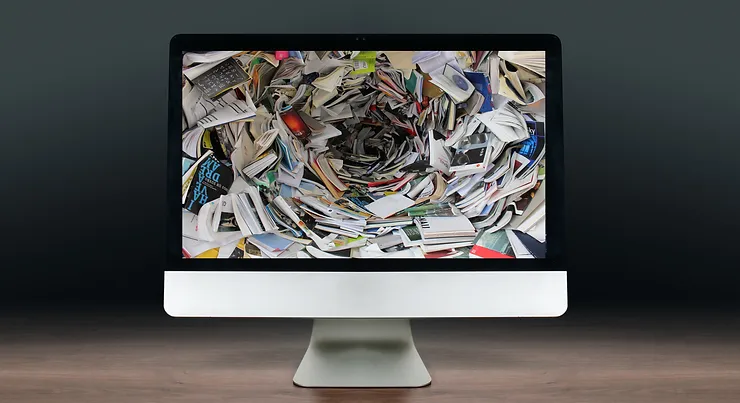
Computer organization is often overlooked because files and programs don’t take up physical space. Neither does time but you’re still careful with how you fill it.
Icons, Folders, Files and Programs on your desktop should be few to none. A cluttered desktop can distract and overwhelm you, slowing down your progress when working on the computer as well as slowing down your computer.
Review the items on your desktop, give them a nice cozy folder with a neat file name that tells you exactly what each item is. Delete what you don’t need.
PASSWORDS
We know passwords can be painstakingly exhausting, especially if you don’t have a system for them or better yet, write them down in a handwritten notebook. Yes, I still have dear friends who do this…
Pick a password program to keep all your passwords safe, easily accessible for YOU, and easily changed without duplicates confusing you down the line. All of the good ones have mobile based solutions as well as desktop solutions for easy fill and capturing of new passwords.
Use strong, unique passwords and multi-factor authentication where available. A password manager can help you maintain them, but no tool eliminates risk. Replace weak, reused, or compromised passwords rather than relying on arbitrary scheduled changes. See NIST’s authentication guidance for the underlying principles.
——————————–
Justin Klosky is the Founder of the O.C.D. Experience, a lifestyle company providing organizational solutions for every aspect of your life. Published author of Organize & Create Discipline™, TV host & expert on CBS’s The Talk! and has been seen on Anderson, Good Morning America, Huffington Post Live, Dr. Oz and more.