


A home and digital setup checklist from O.C.D. Experience
The truck has left. The boxes are inside. But you still can't find the charger, the coffee supplies, or the message confirming tomorrow's installation.
A successful first two days aren't measured by how many boxes disappear. They're measured by what you can do without searching: sleep, get dressed, make something simple to eat, charge your phone, and find the information you need.
Start with the next ordinary day you want to have. Then organize the belongings and the information that make it possible.
Start with what needs to work tomorrow
Before opening another box, write down three things your household needs next. A place to sleep. A working morning routine. A usable desk. Your list may be different, and that's the point.
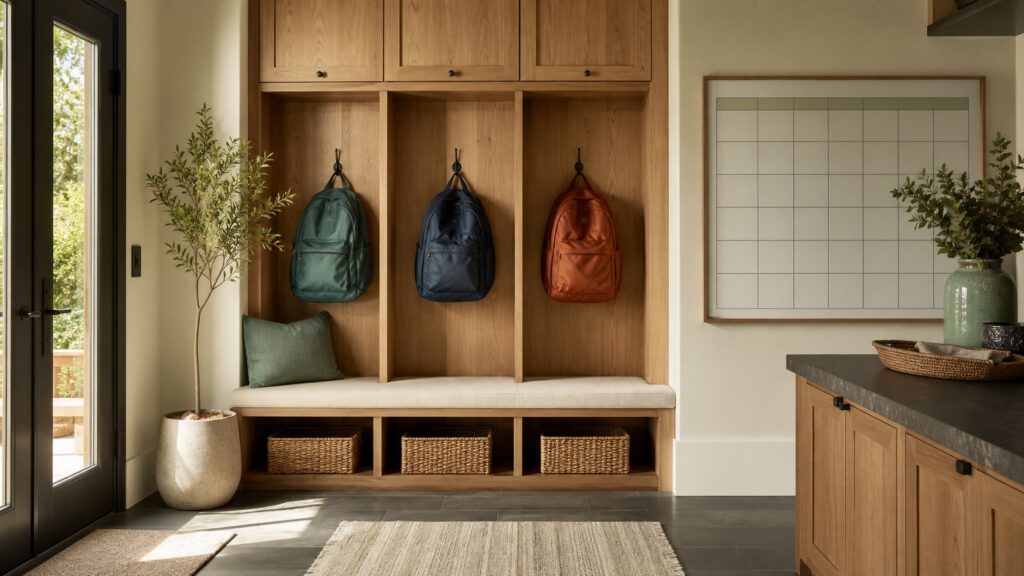
Keep walkways and exits clear. Choose one small landing spot for keys, chargers, and the items you're using repeatedly. Give documents a separate protected place so they don't disappear into packaging.
Bring each area to “usable” before trying to make it look finished. You don't need to decide the permanent home for every possession today.
During the first evening
- Set up the beds and the bathroom basics your household needs.
- Put tomorrow's clothing and everyday essentials somewhere easy to reach.
- Make a small kitchen zone with water, a few dishes, and what you need for a simple meal.
- Establish one charging spot with the correct cables.
- Keep a short list of unresolved tasks instead of trying to remember them.
- Separate items that need installation or specialist attention. Don't improvise electrical, gas, or heavy-installation work to finish a room faster.
If you have only enough energy for a few tasks, choose the ones that remove the most searching from your next morning.

Give the move information a home
Create one clearly named folder or note for this move in a system you already use. There's no need to purchase another app.
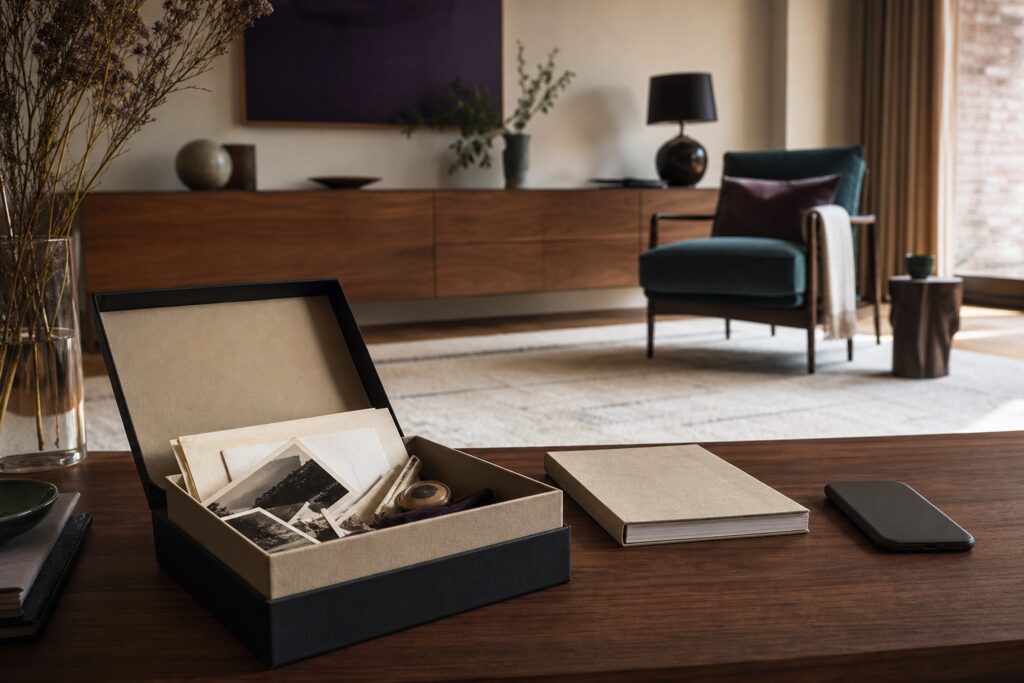
Start with a few useful categories: contacts and appointments, receipts and instructions, box locations, and follow-up tasks. Save relevant confirmations where you can find them again rather than leaving everything scattered through messages and downloads.
Keep the shared task list separate from private records. Share only what each person needs to do their part. Don't put passwords, entry codes, identity documents, or financial account details in a broadly shared note.
If you store setup credentials, use an appropriate protected password manager rather than writing them into the checklist. A shortcut to the right place is more useful than copying sensitive information into another location.
Pair belongings with the information they need
Copy this small retrieval map into a note or spreadsheet. The examples are illustrative; fill it with your own locations.
Swipe the table to see all four columns.
| Item or area | Physical home | Information home | Next action |
|---|---|---|---|
| Router and cables | Office setup tray | Provider appointment and setup instructions | Confirm the installation time |
| Bed assembly pieces | Labeled bag beside the frame | Assembly instructions | Arrange assembly if needed |
| Everyday kitchen supplies | One accessible shelf | Short missing-items list | Check packed boxes before buying |
| Work desk essentials | Office box marked “Open first” | Setup checklist | Connect only what tomorrow requires |
| Stored seasonal items | Numbered box in a chosen storage zone | Box contents note | Record the final location |
| Item needing repair | Clearly marked holding area | Photo and service contact | Assign someone to follow up |
Use the same label on the physical box and in the digital note. “Storage 03” should mean the same thing in both places. When a box changes location, update the note once rather than creating a second competing list.
During the second day
Work outward from the routines you've made usable. Finish the area that supports your next meal, your next work session, or your next departure from the house.
For each unfinished task, record an action, a person responsible, and a date if one is needed. “Office” is a category; “Find the monitor cable in Office 02 before Monday” is something you can complete.
Photograph box labels or an arrangement when that will help you retrieve something later. Keep those images private; exclude sensitive papers and access details. Keep important source records until you know what must be retained. A move is not the time for indiscriminate document deletion or shredding.
Try a retrieval test before organizing more
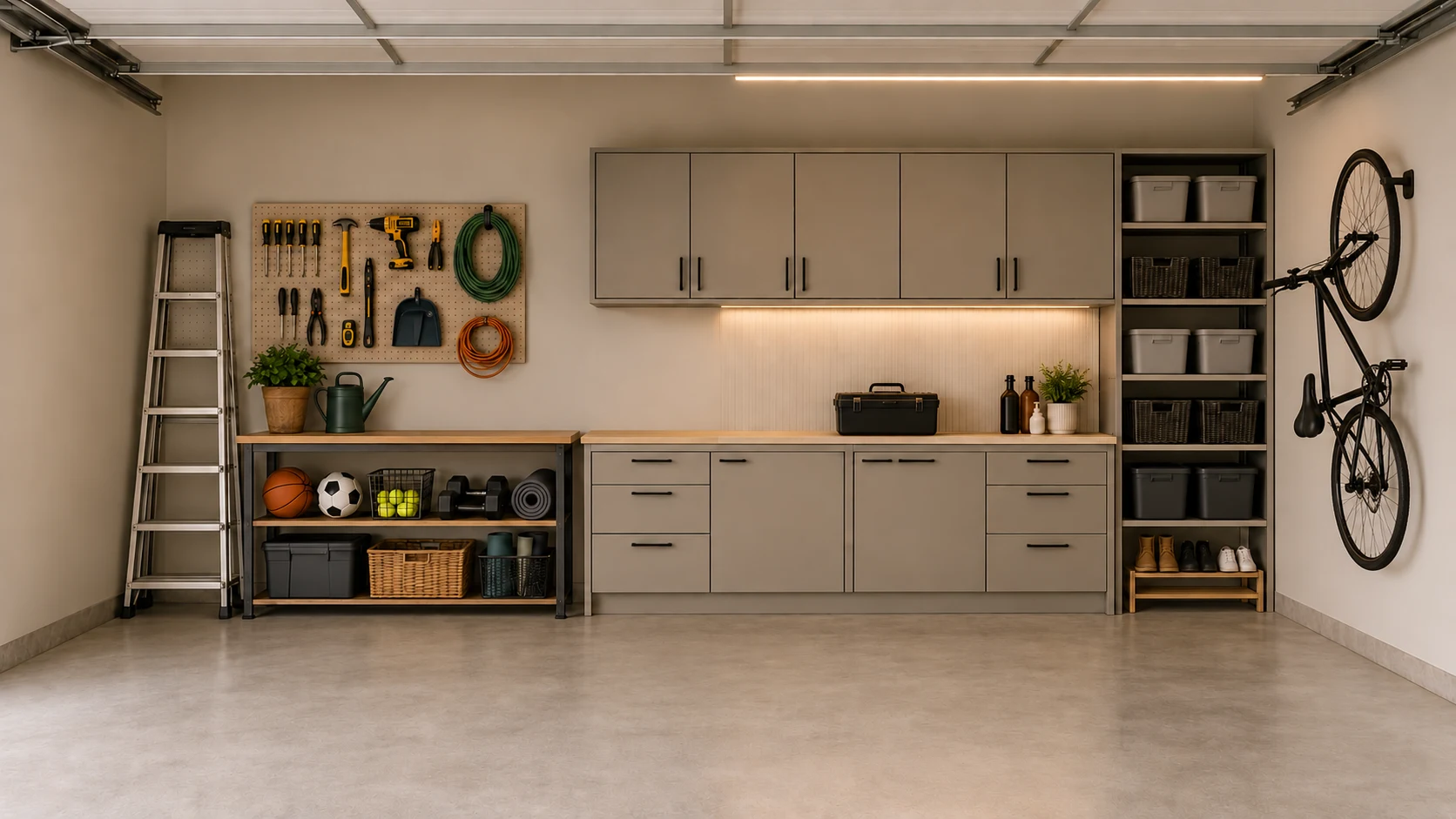
Pick one item you expect to use tomorrow. Can you find it, its accessories, and the relevant information without asking three people or searching several apps?
If not, fix that connection first. This small test tells you more about whether your system works than a photograph of a cleared counter.
Your first two days checklist
- Sleeping and bathroom basics are usable.
- Tomorrow's clothing and everyday essentials are accessible.
- One simple kitchen zone works.
- Keys and chargers have a clear landing spot.
- Move contacts and appointment details are easy to find.
- Important boxes have matching physical and digital labels.
- Private records are separate from shared tasks.
- Each immediate follow-up has a clear action and owner.
- You can retrieve one important item and its information.
Use these first two days as a sequence, not a deadline. Your household, energy, access needs, and move may call for a different pace. The goal is a workable home that keeps becoming easier to live in.
Choose the help that fits
For coordinated help with the move and settling in, explore Moving O.C.D..
If the belongings are only half the problem, our digital organizing guide explains ways to give your files, photos, and everyday information a clearer home.
Prefer to begin independently? Explore the 7-Day Digital Reset, a self-guided experience built into the O.C.D. platform. Follow the structure at your own pace; it is not a live-supervised service or a complete Digital Infrastructure Audit.
Organize & Create Discipline™
Transforming chaos to clarity.
© 2026 O.C.D. Experience. All rights reserved.